
COUCHCART
A couch-friendly launcher for a self-hosted RomM library. Pick a game with a controller, press Play, and carry on from the same save on any PC.
Download for WindowsWindows 10 or 11 · the installer is the file ending in setup.exe
Linux and portable builds · Source code · Artwork for adding it to Steam
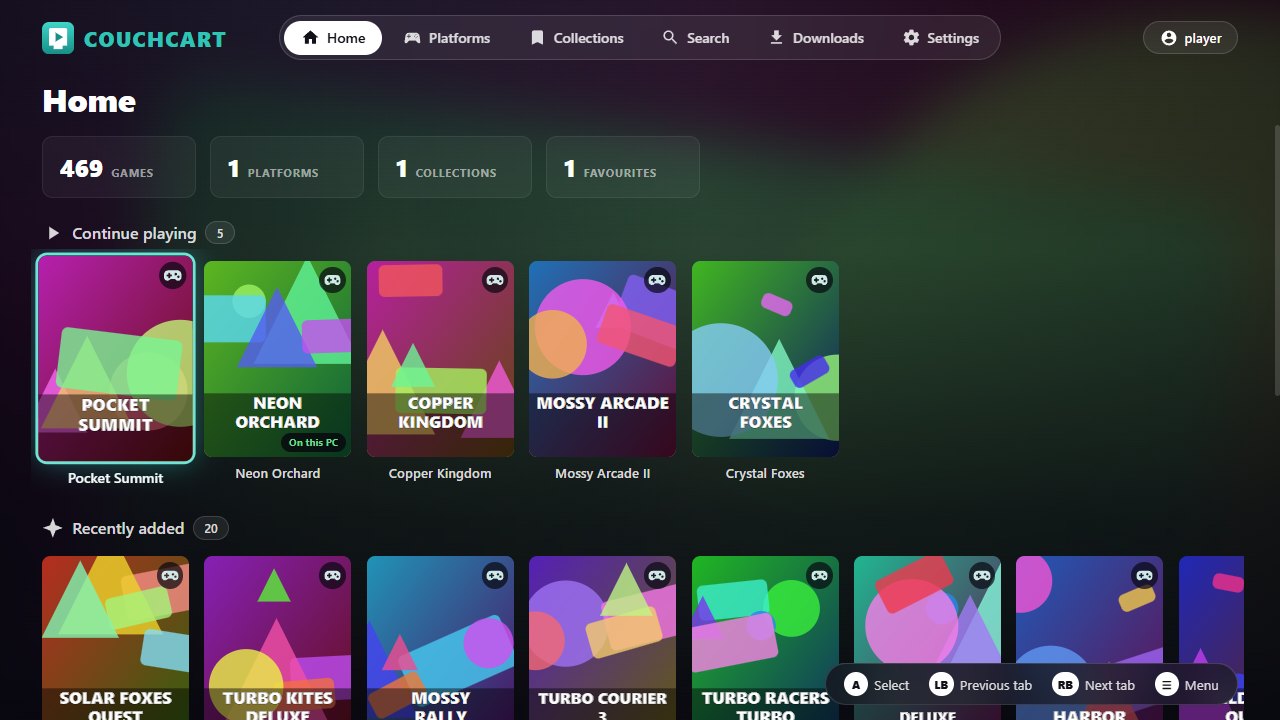
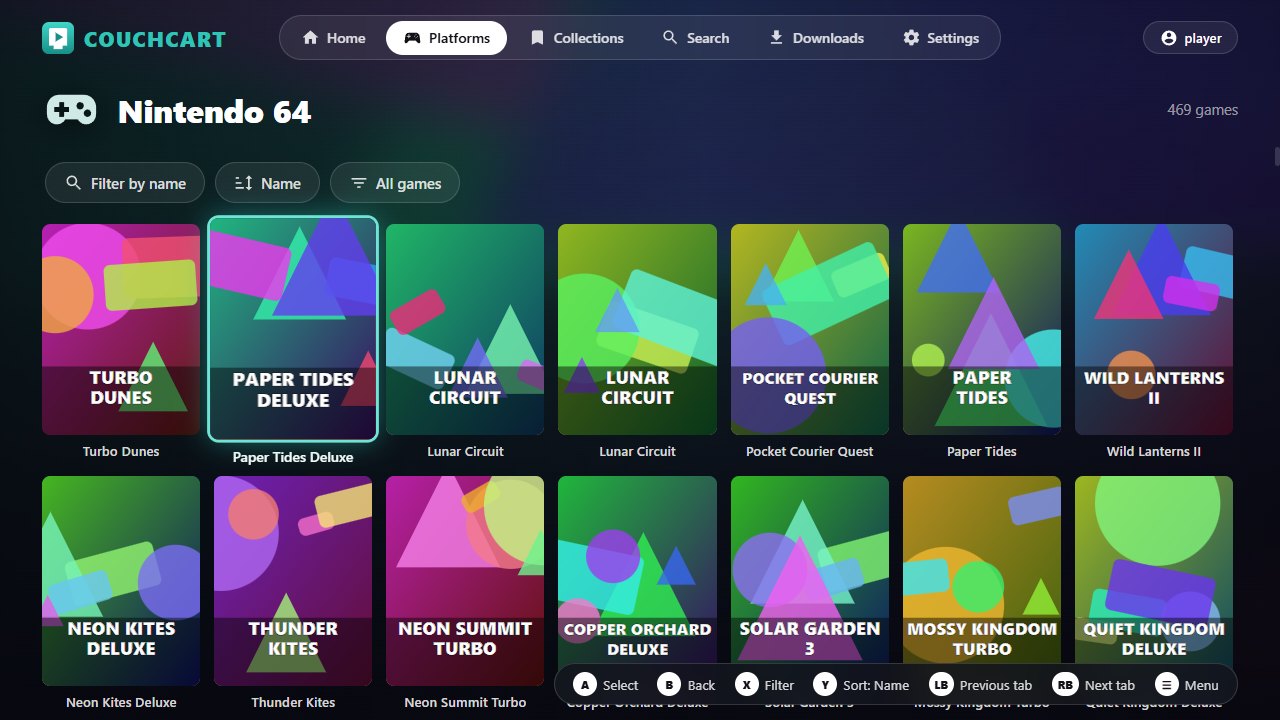
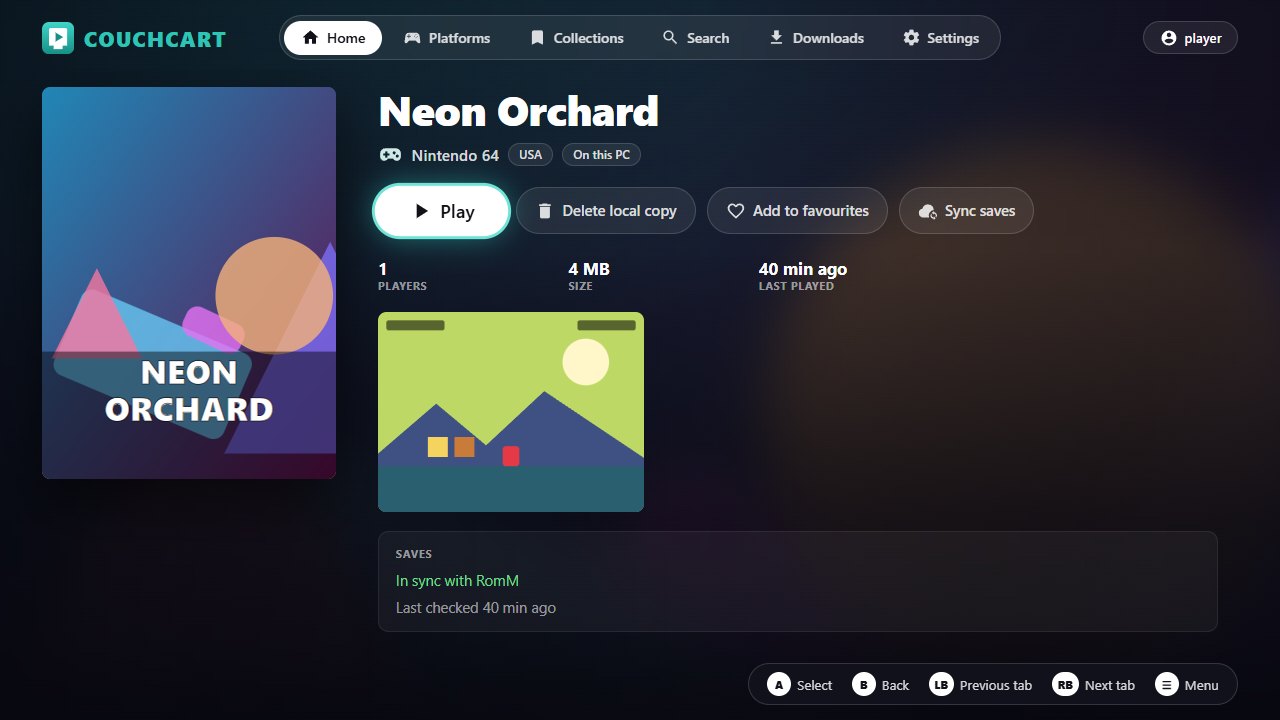
The games and artwork in these screenshots are invented.
What it does
- Browses your platforms, collections and favourites by gamepad, keyboard or mouse.
- Downloads a game the first time you play it and starts it in RetroArch.
- Syncs saves and save states with RomM before and after each session, and asks instead of overwriting when two PCs disagree.
- On Windows, downloads RetroArch and the cores you need for you. It bundles no emulator, no cores and no games.
- No telemetry, and no account besides your own RomM server.
Getting started
- Run the installer. Windows shows a "Windows protected your PC" warning because the app is not code-signed: choose More info, then Run anyway.
- Enter your RomM server's address, then sign in by scanning the code on screen or with your username and password.
- When it asks about RetroArch, the emulator that runs the games, choose Set up RetroArch for me, then Download the missing cores. If you already have RetroArch, it is found by itself.
You need a RomM 5.x server. The README has the full guide and says what is and is not tested yet.
Couchcart is an independent, open-source project (MIT). It is not affiliated with RomM, RetroArch or libretro.